

With Heropa, building, managing or scaling a hands-on lab is simple.
See for yourself.
Insights and tools for software training leaders, educators and IT professionals who want to get more from virtual IT labs.

In today's world, the importance of effective software training cannot be overstated. The need for skilled professionals who can navigate complex IT environments is greater than ever.
This is where virtual IT labs come into play, offering a transformative solution for both educators and learners.
Virtual IT labs are simulated environments that replicate real-world IT infrastructure and software systems, providing learners with hands-on experience. They enable learners to experiment, troubleshoot, and innovate in a risk-free setting, preparing them for real-world challenges.
This guide explores the various aspects of virtual IT labs, from their core concepts and features, to their strategic advantages. We’ll also share some key insights and strategies to assist with the implementation of Virtual IT labs.
Whether you are a leader in software training, an educator, or an IT professional, this guide will provide you with the insights and tools you need to leverage virtual IT labs for achieving excellence in software training.
Virtual IT labs are cloud-based environments designed to replicate real-world IT infrastructure and software systems.
The core components of a Virtual IT lab typically include:
These simulate physical computers, allowing users to install and interact with software as if they were using actual hardware.
Simulated network environments enable users to practice configuring and managing network components, such as routers, switches, and firewalls.
Virtual storage solutions provide the necessary space for users to save and manage data within the lab environment.
Pre-installed software packages relevant to the training or educational objectives, ranging from operating systems to specific applications and tools.
These labs provide isolated environments where users can experiment freely without affecting live systems. They are ideal for learning new software, testing configurations, and developing new solutions.
These labs replicate specific scenarios or workflows,
such as cybersecurity incidents or network
deployments, allowing users to practice responding
to real-world challenges
These comprehensive solutions combine multiple
types of virtual labs with instructional content,
assessments, and analytics to provide a complete
learning experience.
Virtual IT labs can serve a myriad of uses in the realm of software education. They are widely used in customer onboarding to provide guided, interactive training sessions to help users quickly learn to use new software.
Ongoing technical training of customers, staff and partners can provide these users with hands-on experience with new software features and product upgrades. Certification programs benefit from virtual IT labs by allowing candidates to demonstrate practical skills through hands-on tasks that simulate real-world scenarios, ensuring certifications are based on actual competencies rather than theoretical knowledge alone.
For software sales, these labs offer an interactive platform to showcase products to potential clients, creating tailored demo and proof-of-concept environments that highlight specific features and use cases
Virtual IT labs represent a strategic asset for leaders in software education and sales.
Virtual IT labs contribute significantly to enhanced learning outcomes by fostering an engaging and interactive environment where practical, hands-on learning can take place. This active learning approach increases learner engagement and participation, leading to deeper comprehension and better skill development.
Virtual IT labs can be shared with learners on-demand, or as part of an instructor-led training session. Learners have access to their own lab environment to experiment with different scenarios, which helps solidify their understanding of complex concepts. They can immediately apply what they have learned by practicing in an environment that simulates real-world applications.
This direct application reinforces learning and improves the retention of knowledge. By dealing with real-time issues and challenges in a controlled setting, learners develop critical thinking and problem-solving skills essential in the workplace.
Virtual IT labs offer a more cost-effective solution compared to traditional physical labs, reducing the need for expensive hardware and logistical arrangements and leading to a better return on investment (ROI) for training programs. By eliminating the need for physical hardware, maintenance, and real estate, virtual IT labs significantly reduce the overhead costs associated with setting up and running training programs.
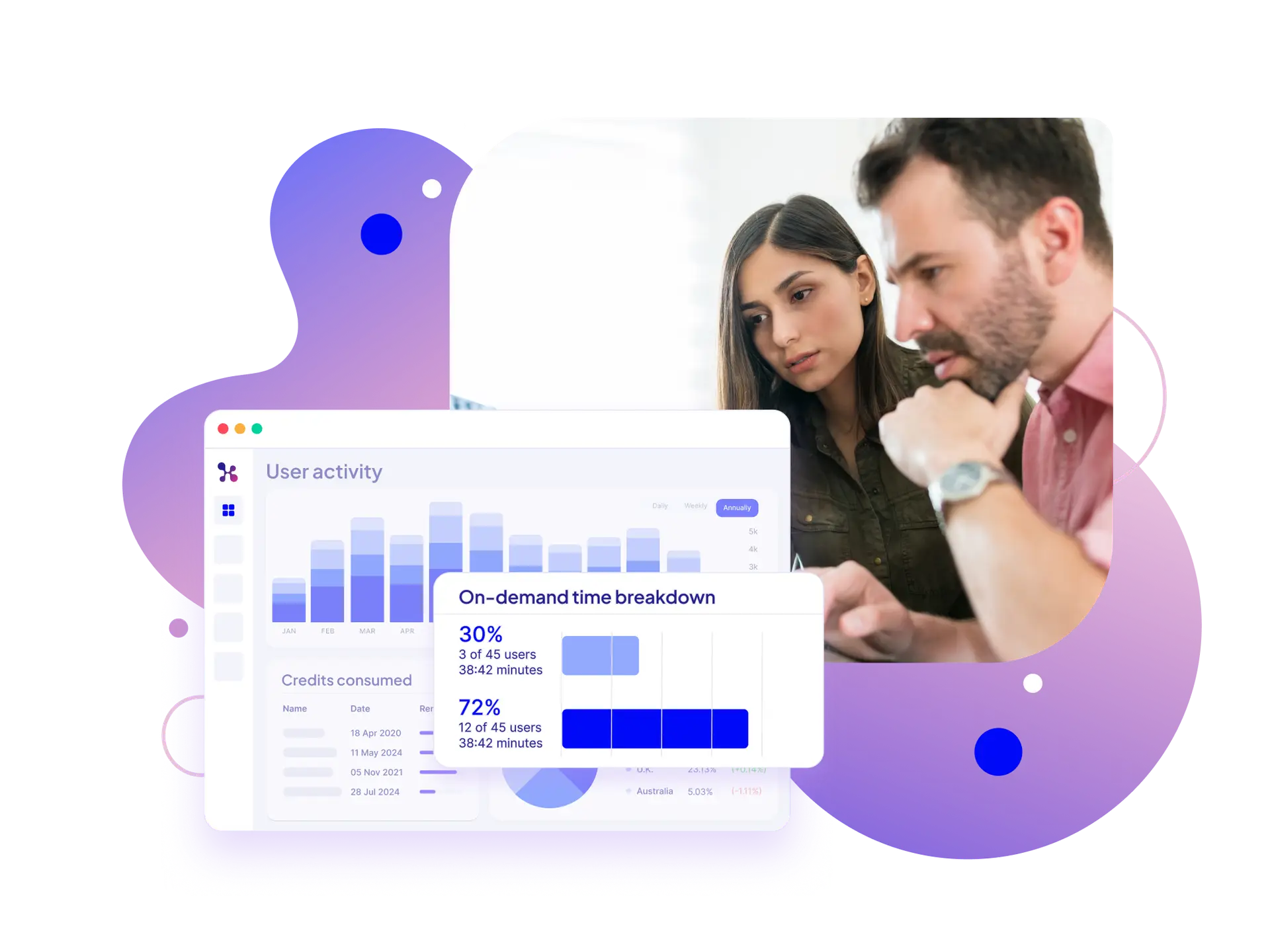
Additionally, since learners can access virtual IT labs from anywhere, organizations can save on travel, accommodation, and other logistics costs typically incurred in traditional training setups. Moreover, virtual IT labs can be easily scaled up or down based on the number of users, ensuring that resources are not wasted on maintaining unused lab space or equipment.
The ability to scale and adapt to changing needs is crucial for modern organizations, and virtual IT labs excel in providing this flexibility. Learners can access training materials and lab environments at any time, accommodating different time zones and work schedules, which enhances the accessibility and convenience of training programs.
Virtual IT labs can be tailored to meet the specific needs of different learners, allowing for the creation of personalized learning paths that can address varying skill levels and learning objectives. As organizational training needs grow, virtual IT labs can be quickly scaled to accommodate more users without the logistical challenges of traditional lab setups. This scalability is particularly beneficial for large, distributed teams or rapidly growing companies.

One of the most impactful benefits of virtual IT labs is their ability to provide data-driven insights into learner performance and program effectiveness. Virtual IT labs typically offer robust analytics and reporting tools that allow leaders to track learner progress in real-time, enabling educators and trainers to identify which areas learners are excelling in and where they may need more support.
By analyzing data from virtual labs, leaders can pinpoint specific skills or topics that may require additional focus, allowing for the continuous improvement of training programs. Additionally, the use of data allows for more personalized feedback for learners, helping them understand their performance and areas for development. This tailored approach can significantly enhance the learning experience and outcomes.
Building Your Own Platform
Deciding whether to build your own virtual IT lab platform involves considering various factors, including resources, time, and long-term goals.
Full control over design and functionality to meet specific organizational needs.
Potentially better alignment with existing systems and processes, ensuring a unified learning experience.
Ability to make changes and updates as required without relying on external vendors.
Significant costs to hire skilled developers and purchase necessary technology.
Lengthy development phase can delay the deployment of training programs.
Continuous updates and maintenance required to keep the platform up-to-date and secure.
Need for specialized knowledge and skills to develop and maintain the platform.
Virtual IT labs represent a strategic asset for leaders in software education and sales.
What are the available financial resources? What are the initial and ongoing costs of building versus buying?
How much time is required to build a platform versus the immediate deployment of a ready-made solution?
What specific requirements for customization and integration do we have? What is the scale of deployment needed?
Do we have the technical expertise and other resources needed for building or maintaining a platform?
How does this decision align with our organization’s long-term training and development objectives?
Implementing virtual IT labs requires careful planning and practical steps to ensure they meet your organization’s needs and deliver the expected benefits. This section provides a practical guide covering the key steps and considerations for implementing both home-grown or procured virtual IT labs.
The steps to deploy virtual IT labs will vary depending on whether you built or bought your solution. Executing each of these is critical to ensure a seamless learning experience and efficient training environment.
| Build | Buy | |
|---|---|---|
| Infrastructure Setup | Configure servers, networking equipment, and necessary software. | Follow the vendor’s guidelines to integrate the platform with your existing IT infrastructure. |
| Learner Experience | Develop the additional elements required to support an end-to-end learner journey, such as automated email invitations to learners enrolled in training. | Configure the required features to support the desired learner journey, including automated email invitations and reminder notifications. |
| Integrations | Integrate with LMS, CRM and other relevant tools. Custom integration work may be required. | Leading solutions offer pre-built integrations with popular LMS and CRM systems, as well as API integrations. |
| Security and Compliance | Implement security measures such as access controls, encryption and data protection. Ensure your solution complies with relevant regulations and industry standards. | Review the vendor’s security protocols and compliance certifications. Work with the vendor to ensure their solution meets your organization’s security requirements and regulatory obligations. |
| Onboarding and Training | Develop the additional elements required to support an end-to-end learner journey, such as automated email invitations to learners enrolled in training. | Configure the required features to support the desired learner journey, including automated email invitations and reminder notifications. |
| Administration | Create business processes and training for administrators to manage environment provisioning and shut downs. | Set policies and schedules to automate environment lifecycle management. |
| Ongoing Support and Maintenance | Establish a dedicated support system to assist users with technical issues. Regularly maintain and update the labs to ensure they run smoothly. | Determine the support workflow for internal vs vendor support requests, utilizing the vendor’s support services where relevant. Ensure the vendor provides regular updates and maintenance to keep the labs up to date and functioning properly. |
| Continuous Improvement | Develop analytics and reporting capability and use these insights, user feedback, and knowledge of virtual IT labs trends and technologies to make informed decisions about future improvements. Establish a roadmap of enhancements for your engineering team to continually improve the solution. | Use the vendor’s integrated analytics and reporting tools to track learner progress and program effectiveness. Provide feedback and feature requests to your vendor. They should be happy to receive your suggestions and look to incorporate them into their product roadmap. |
Congratulations! By using our practical guide you should be well-placed to implement Virtual IT Labs. Now it’s time to think about how to maximize the impact of these labs to achieve the best learning outcomes.
Creating engaging learning experiences is vital for maximizing the impact of virtual IT labs. Here’s some ways to achieve this:
Design interactive and immersive content to help learners stay engaged and enhance their understanding of complex concepts.
Incorporate real-world scenarios into training modules to make the learning process more relevant and practical, mirroring actual challenges learners might face in their professional roles.
Utilize multimedia elements such as videos, simulations, and interactive exercises to further enrich the learning experience, making it more dynamic and effective.as required without relying on external vendors.
Building a community of learners around your virtual IT labs fosters a collaborative and supportive learning environment. Encouraging peer-to-peer learning can enhance the educational experience by allowing learners to share knowledge, solve problems together, and learn from each other’s experiences. Creating forums, discussion boards, or social media groups can facilitate this interaction and help build a sense of community.

Organizing regular virtual meetups or webinars where learners can interact with experts and discuss their progress can also promote a sense of belonging and engagement. This community-centric approach not only improves the learning experience but also helps learners stay motivated and committed to their educational journey.
Leveraging analytics and feedback is essential for continuously improving the effectiveness of your virtual IT labs. By employing robust analytics tools, educators can monitor usage and performance metrics, providing insights into how learners are progressing through the training modules. This data can reveal trends and patterns that indicate which areas of the training are most effective and which may need refinement.
Using this information, trainers can make data-driven decisions to enhance the curriculum, ensuring it meets the learners’ needs. Additionally, gathering feedback from learners about their experiences and incorporating their suggestions can lead to more personalized and impactful training programs.
Where do you go from here? As you move forward with implementing virtual IT labs, here are a few actionable steps to consider.
Assess your organization’s specific requirements, including the skills and learning outcomes you want to achieve.
Whether building or buying, select a platform that aligns with your goals and offers the features necessary for successful training.
Ensure that the virtual IT labs integrate seamlessly with your existing systems to provide a cohesive learning experience.
Design interactive and immersive content that keeps learners engaged and motivated throughout their training journey.
Use analytics and feedback to continuously improve your training programs, making data-driven decisions to enhance effectiveness.
Experience the future of technical sales with Heropa, the leader in interactive product experiences.
Our Virtual IT Labs empower software sales teams to deliver fully immersive demos, POCs, and training environments tailored to each customer’s needs.
Our clients save time, control costs, and close more deals by delivering customized, value-driven experiences.
Want to learn more? Book a call with our expert team and we’ll walk through your use case and give you a live product demo where you’ll see why Heropa is the leading Virtual Lab Software provider.











See for yourself.