

Ready to get started?
See a smooth learning experience in action with the Heropa Workspace.
Use a flexible, browser-based interface for seamless access to lab environments.
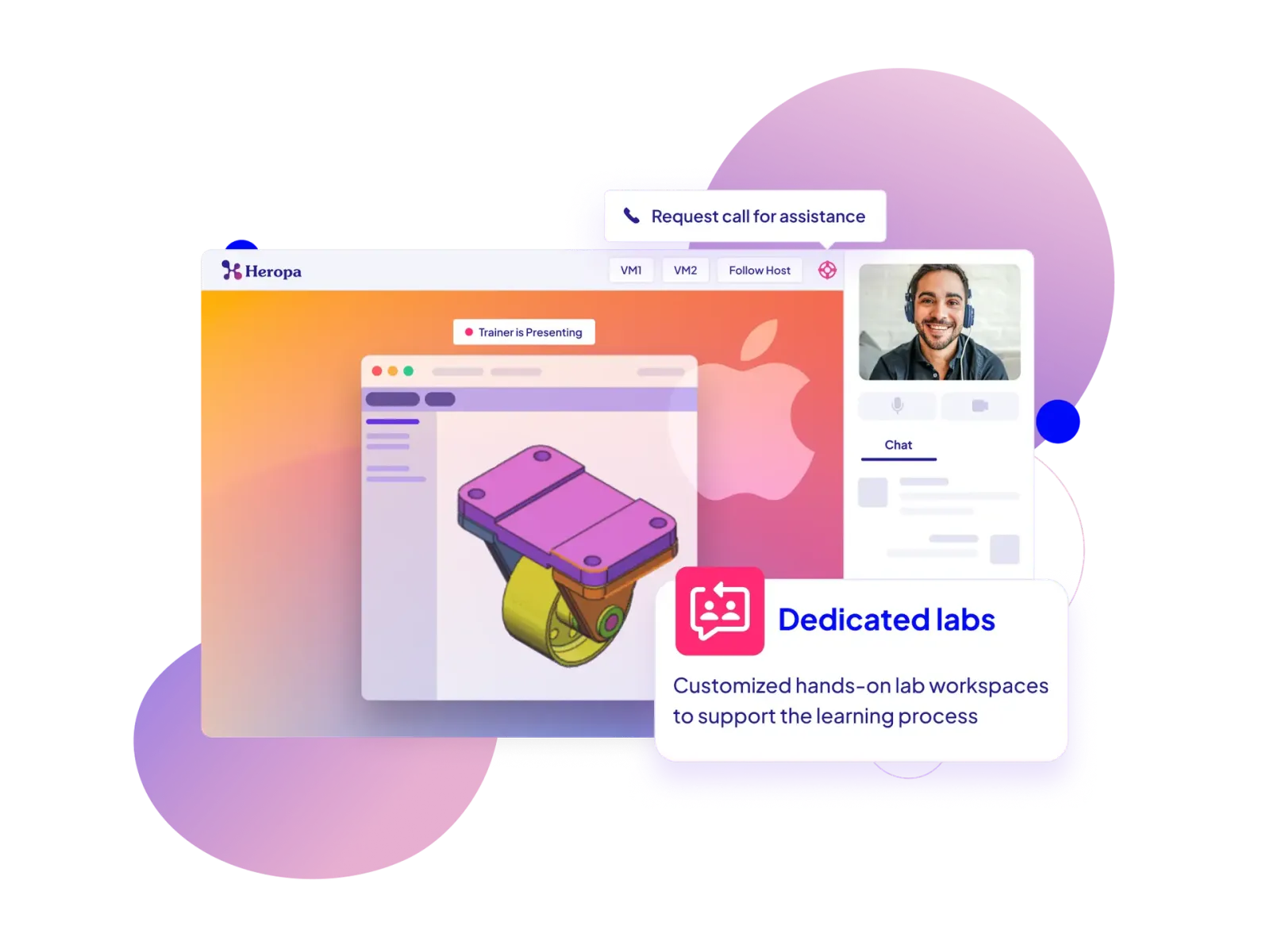

Make lab environments accessible wherever they’re needed. Deploy the Workspace to suit your workflow, whether embedded in an LMS or launched independently.

Works standalone or embedded into your LMS.

Launch via LMS, Direct Access URLs, or Invite link.

Runs on almost any modern laptop or hardware.
Optimize lab resources by monitoring activity and automating resource management. Save costs without compromising the user experience.

Detects active and inactive students to manage resources.

Automatically starts and stops environments as needed.

Keeps labs efficient and cost-effective.

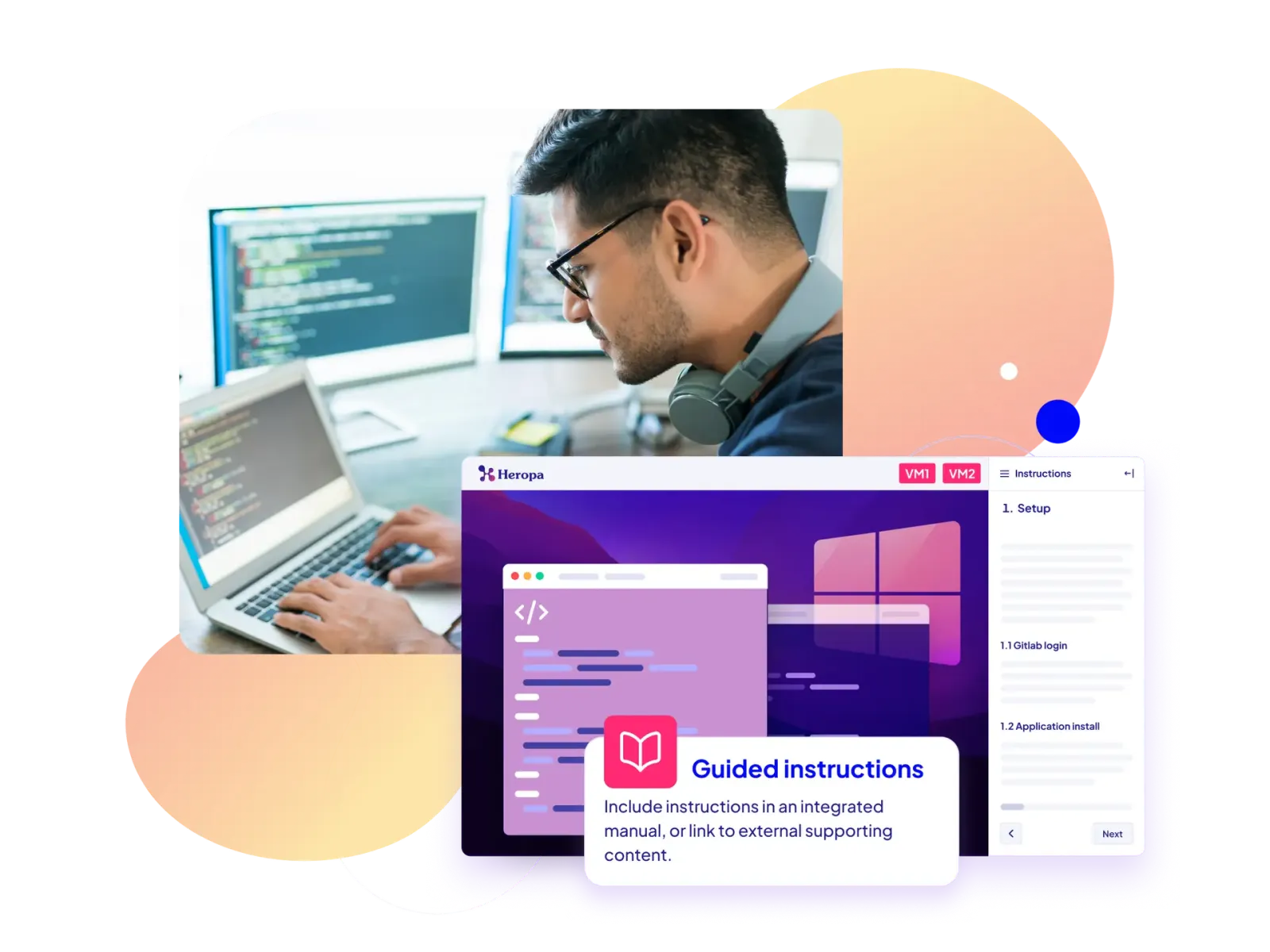
Provide students with step-by-step guidance and materials directly in the Workspace. From credentials to instructions, everything they need is at their fingertips.

Integrates content, videos, and presentations.

Provides access to application credentials and tools.

Supports virtual web browsers and in-browser code editors like VS Code.
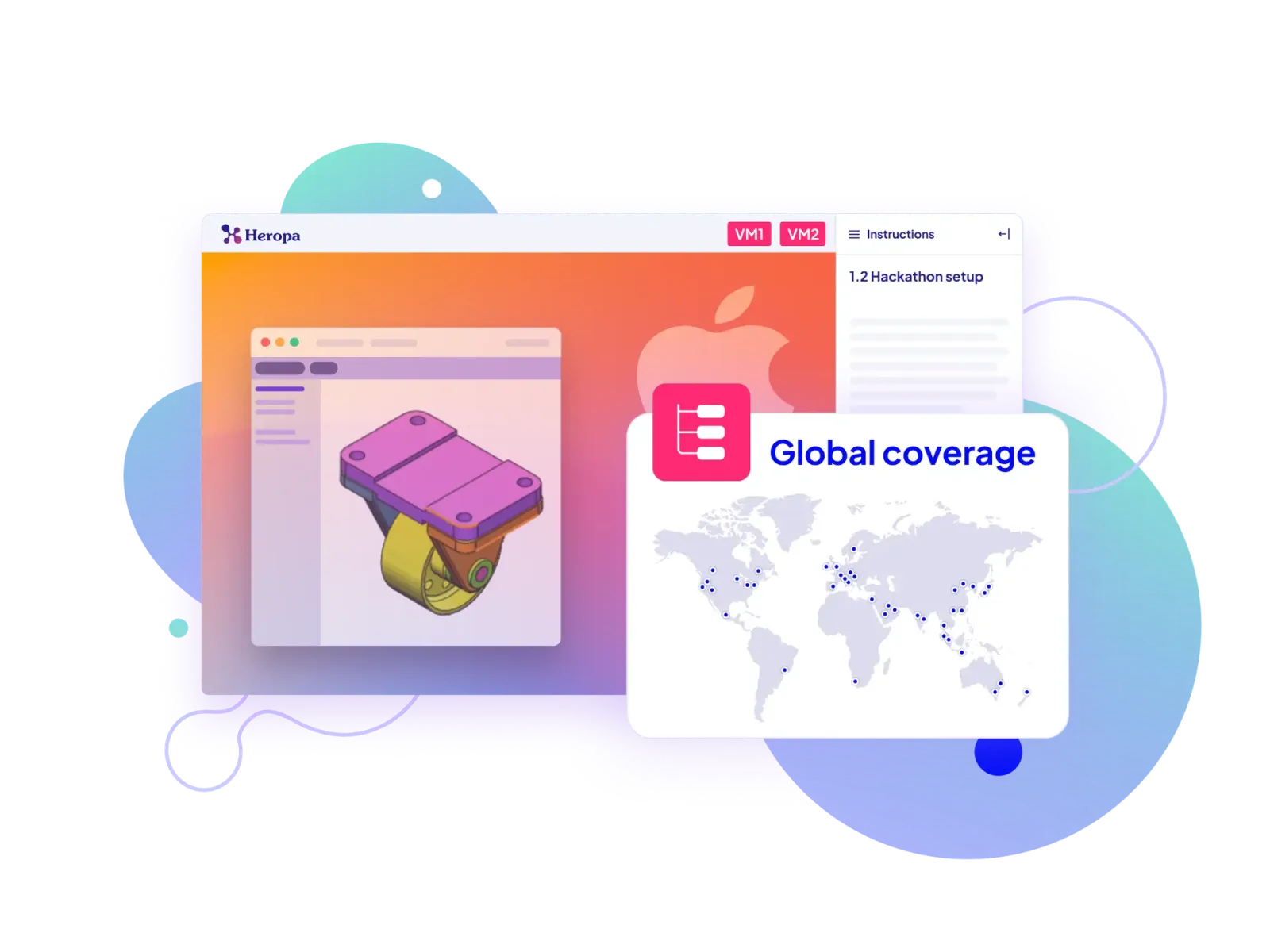
Connect to lab environments containing remote desktops, terminals, or web tools—all without installation or special network configurations. The Workspace runs on any modern device, making it easy to access from anywhere.

Browser-based interface for flexible, on-the-go access.

Supports Remote Desktop, SSH, VNC, and terminal sessions.

No special network ports required—works from most corporate networks.











See a smooth learning experience in action with the Heropa Workspace.